

Xcode Localization Translator: Translate fast

Automatically translate Xcode localization files (.xcloc & .xliff) with drag & drop simplicity. Support for 100+ languages with intelligent placeholder preservation — built for iOS developers.
Requires macOS 13.0+ · Internet connection required
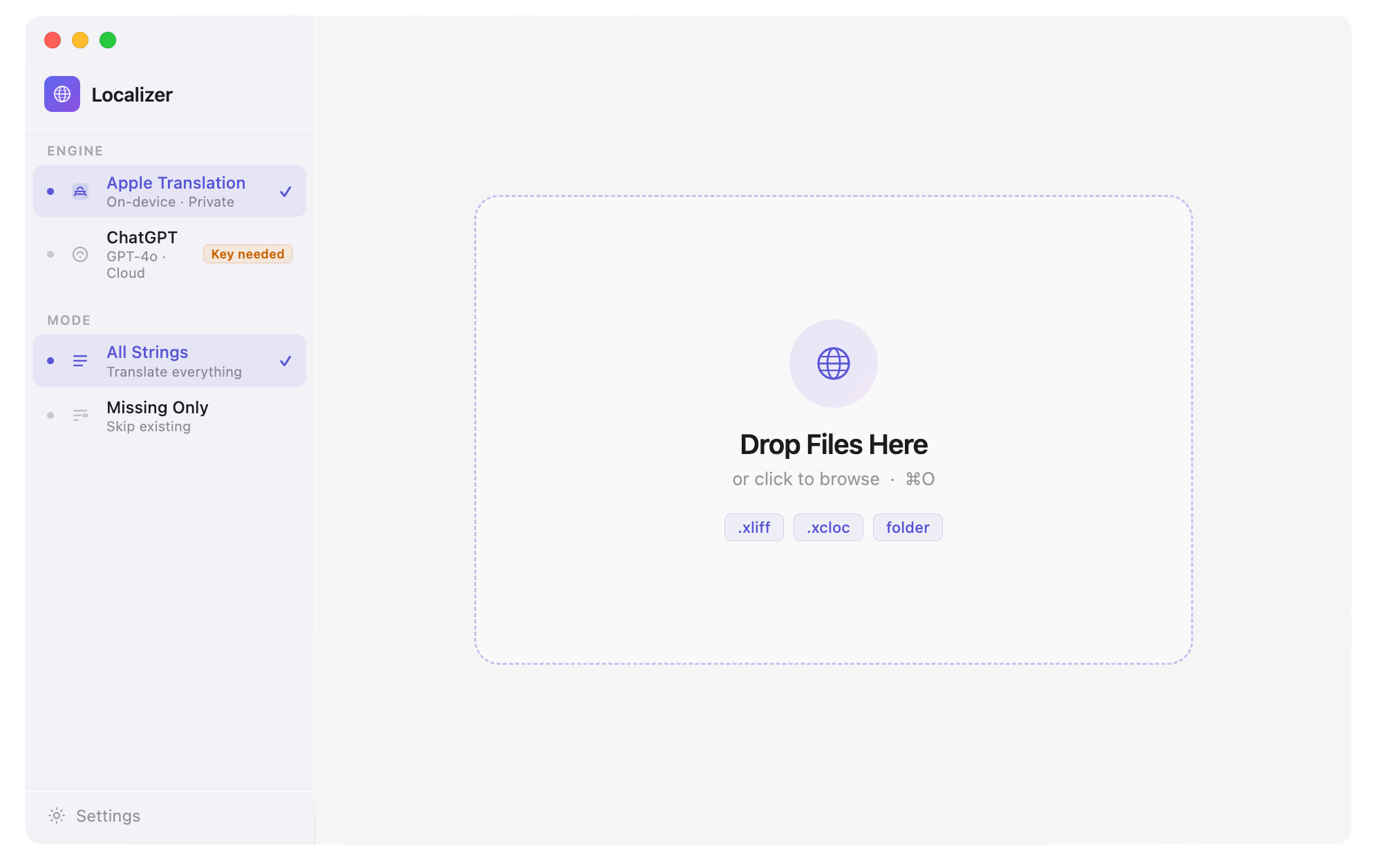
Drag & drop any .xcloc or .xliff file
No export wizards, no complex setup. Drag your Xcode localization file into the app, select your target languages, and start translation. Supports both .xcloc folders and .xliff files.
Highlights
- .xcloc and .xliff formats supported
- Drag & drop interface — no configuration needed
- Select multiple target languages at once
- Works with all Xcode project types
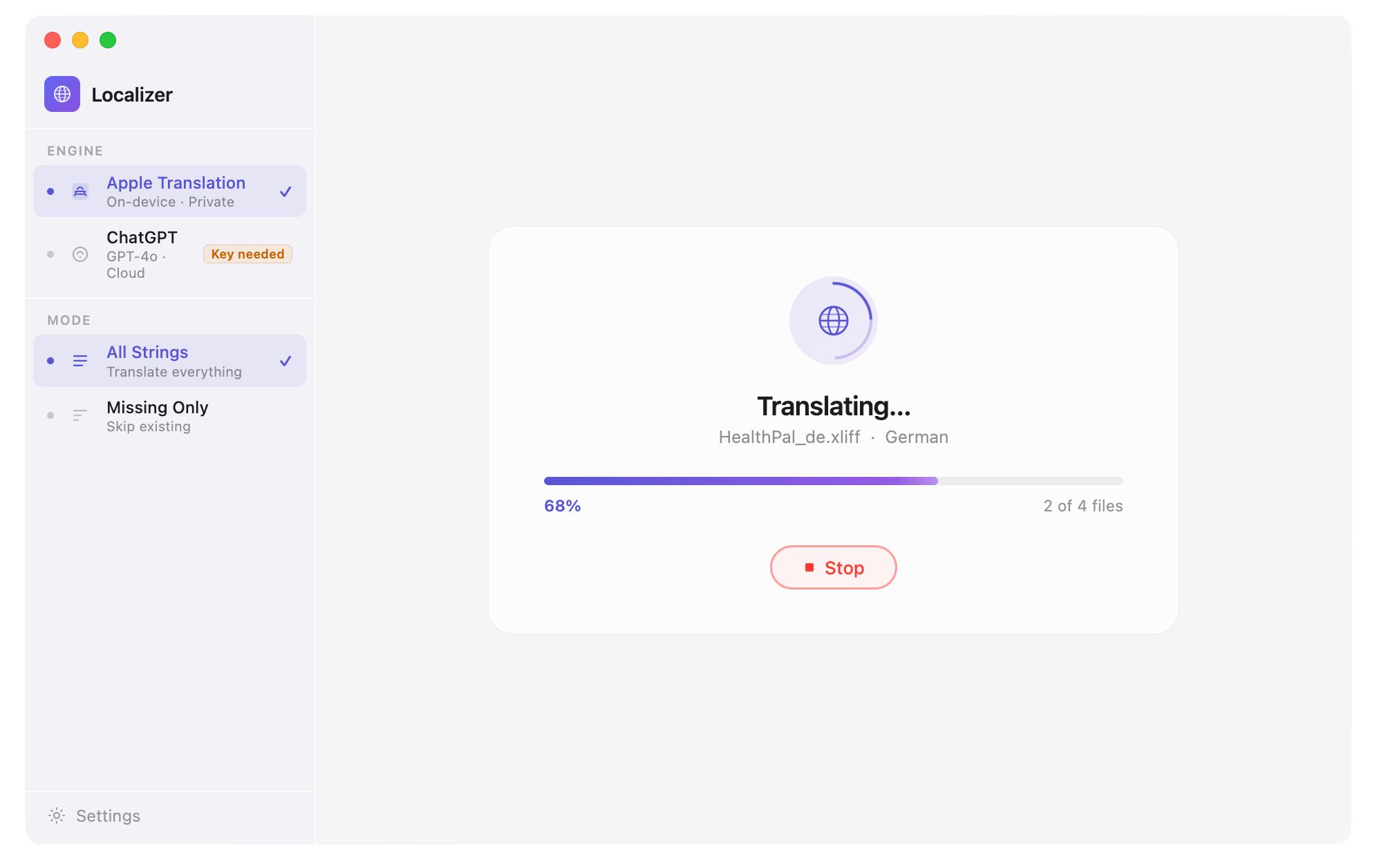
Intelligent placeholder preservation
Format specifiers like %@, %d, %ld, {0}, and {1} are automatically detected and preserved through translation. Your localized strings work correctly with dynamic content — no manual fixing required.
Highlights
- Detects and preserves %@, %d, %ld, {0}, {1}, and more
- Placeholder order maintained across all languages
- No runtime crashes from broken format strings
- Safe for production app submissions
100+ languages via Google Translate
Powered by the Google Translate API for high-quality translations across 100+ languages. All file processing happens locally on your Mac — only the text content is sent for translation.
Highlights
- 100+ languages supported via Google Translate API
- High-quality translations for major world languages
- File processing stays local — only text content sent
- Review translations before reimporting to Xcode
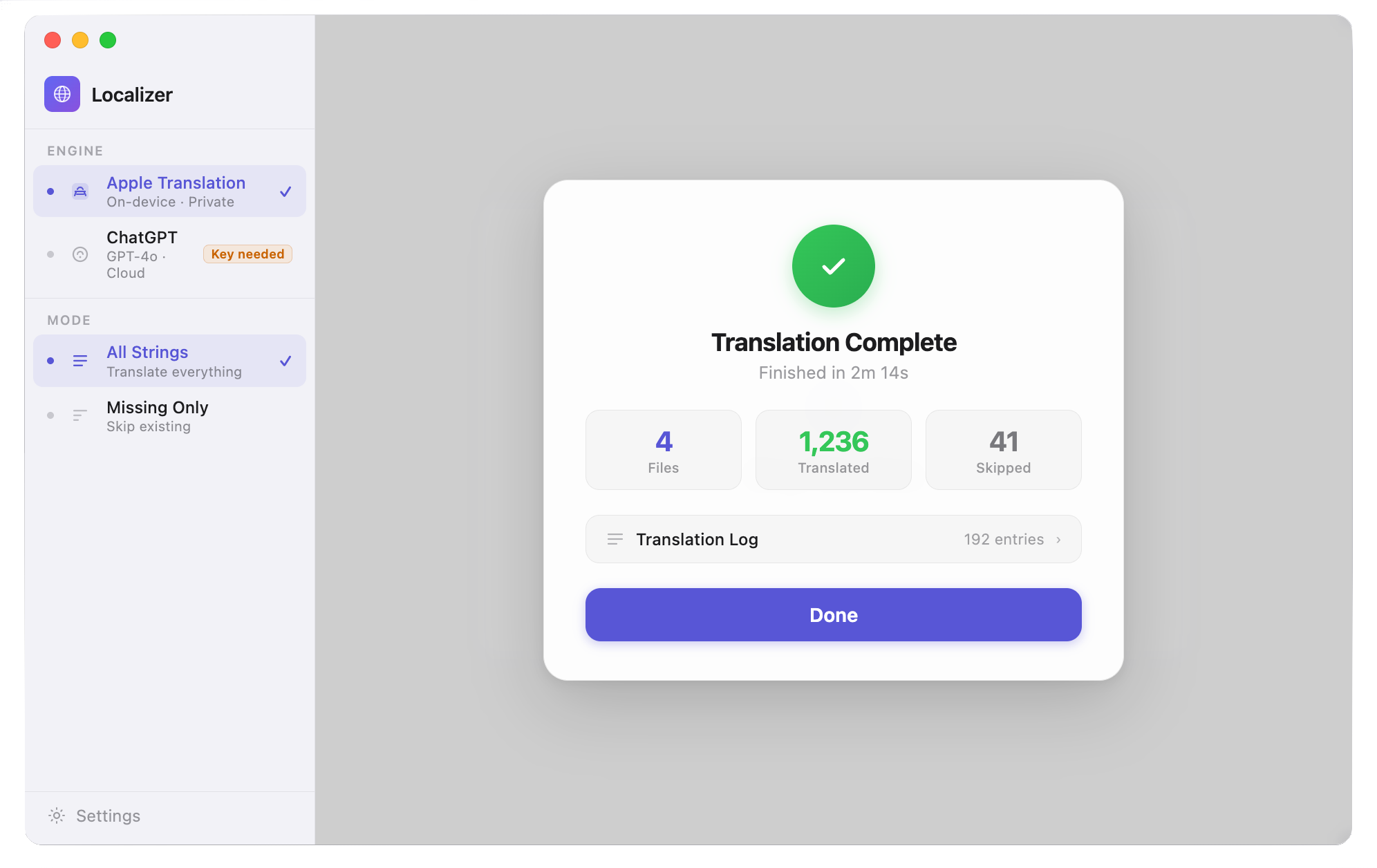
Technical specifications.
PLATFORMS
- macOS 13 Ventura+
FILE FORMATS
- .xcloc (Xcode localization folders)
- .xliff translation files
TRANSLATION
- Google Translate API
- 100+ languages
- Internet connection required
PRIVACY
- Files processed locally
- Only text content sent to Google Translate
- No files stored on any server
Questions
Frequently asked questions
Does the app work offline?
An internet connection is required for translation as the app uses Google Translate API. However, all file processing happens locally on your Mac. No files are uploaded to any server.
Are my translation files stored anywhere?
No. All files are processed locally on your device. Only the text content is sent to Google Translate for translation. We do not store, retain, or have access to any of your data.
What file formats are supported?
The app supports Xcode localization folders (.xcloc) and XLIFF translation files (.xliff). Simply drag and drop them into the app window to begin translation.
Will placeholders be preserved in translations?
Yes! The app automatically detects and preserves all placeholders including %@, %d, %ld, {0}, {1}, and other format specifiers. This ensures your localized strings work correctly with dynamic content in your app.
How accurate are the translations?
The app uses Google Translate API, which provides high-quality translations for over 100 languages. However, we recommend reviewing automated translations for context, tone, and cultural appropriateness, especially for user-facing content in your apps.
Can I use this for commercial projects?
Yes! The app is designed for developers working on iOS, macOS, and other Apple platform apps. You can use it for personal projects, client work, and commercial applications. However, please note that Google Translate API usage is subject to their terms of service.
How Xcode Localization Translator was built
Technical notes behind the app.
The product pages show what shipped. These guides and case studies document the architecture patterns, privacy decisions, and SwiftUI implementation details behind apps like Xcode Localization Translator.
Localize your app. Skip the tedious part.
Drag in your .xcloc file, pick your target languages, and get back clean translated files with all placeholders intact.
Download on App StoremacOS 13.0+ · Internet connection required