
Sheetforge
Spreadsheets
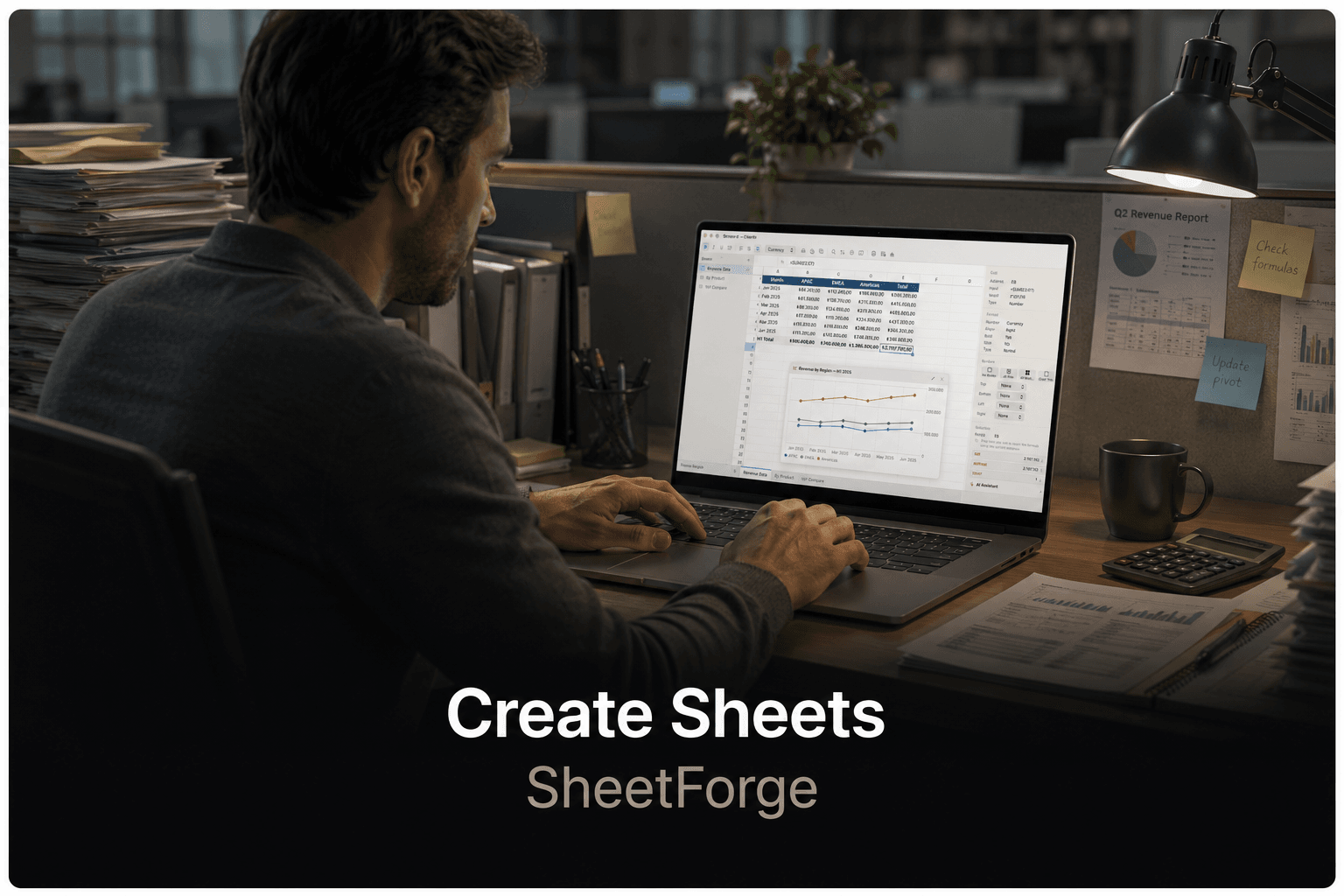
Sheetforge gives you smarter, faster ways to build and analyse data with formulas, charts, and on-device AI.
Learn more →The apps you need for everything you want to create. Edit spreadsheets in Sheetforge. Write documents in Paperforge. Retouch photos in Pictureforge. Cut and caption videos in Filmforge. Record and produce audio in Waveforge. All on-device. All private.
0
Monthly fees
0 bytes
Data sent to servers
0 apps
Native tools
Endless creativity. Unlimited possibilities. One native Mac suite.
Spreadsheets
Sheetforge gives you smarter, faster ways to build and analyse data with formulas, charts, and on-device AI.
Learn more →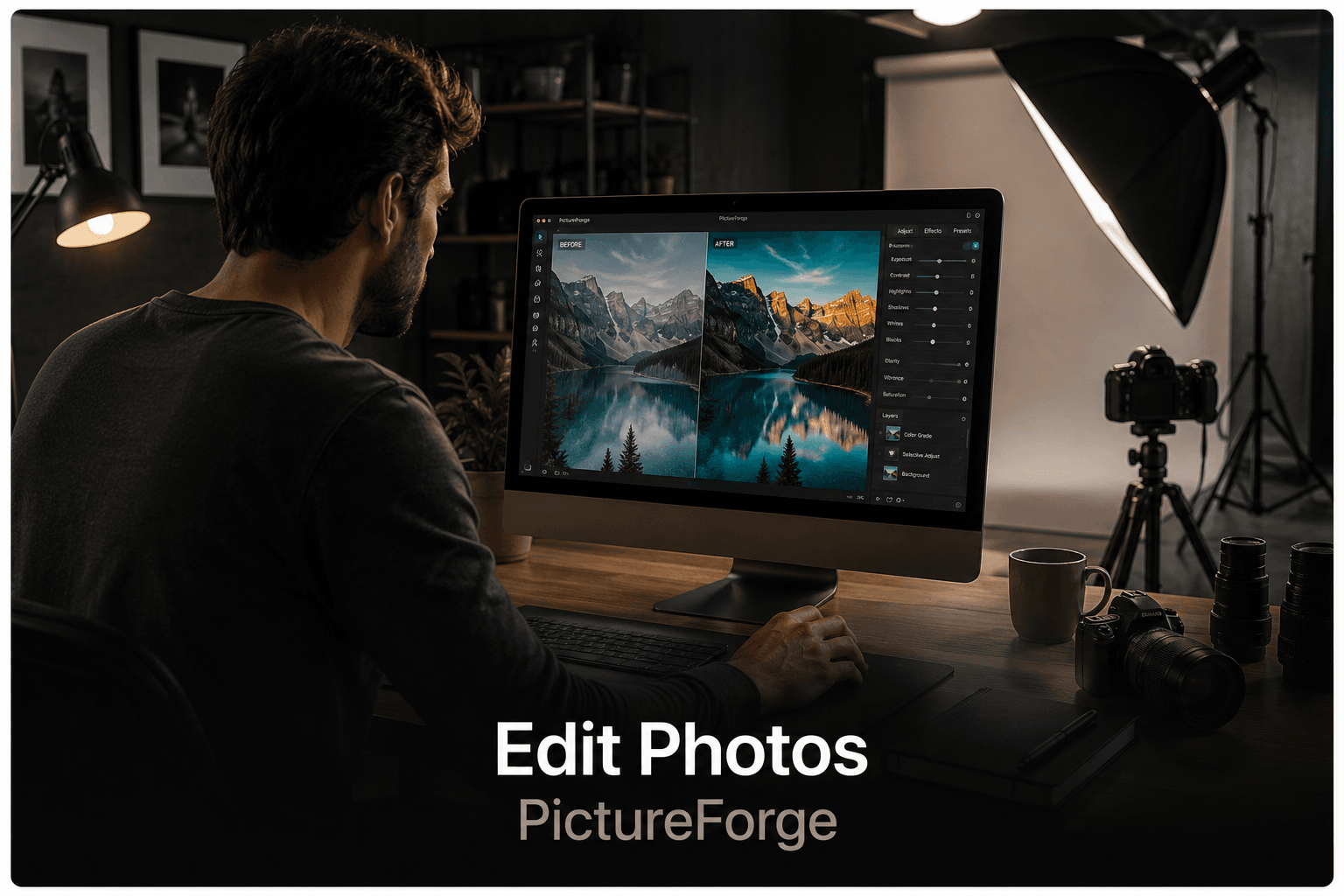
Photo Editing
Pictureforge lets everyone retouch photos and create stunning visuals using powerful on-device intelligence.
Learn more →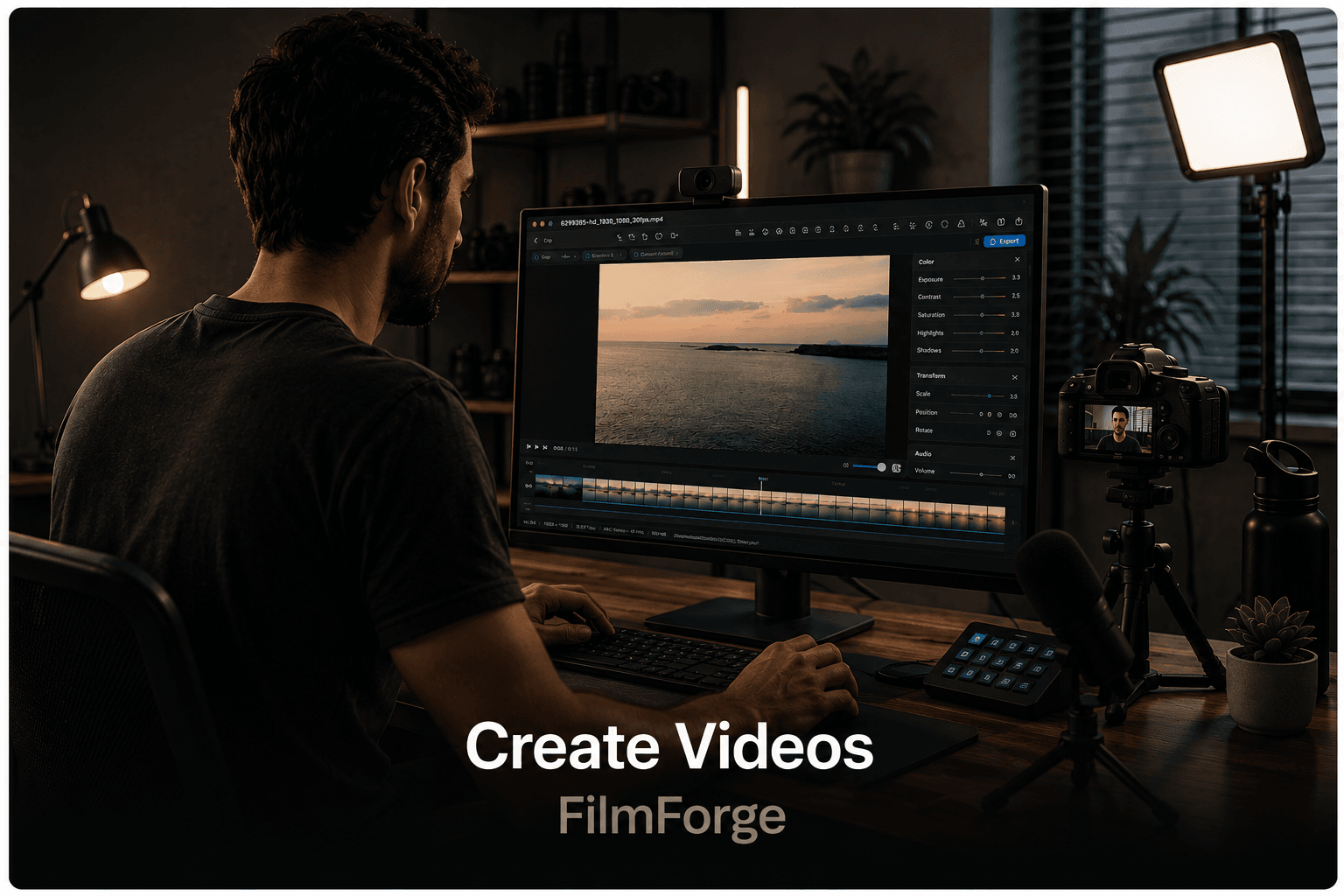

Video
Filmforge packs 25+ video tools into one non-destructive pipeline — trim, caption, compress, and grade, entirely on-device.
Learn more →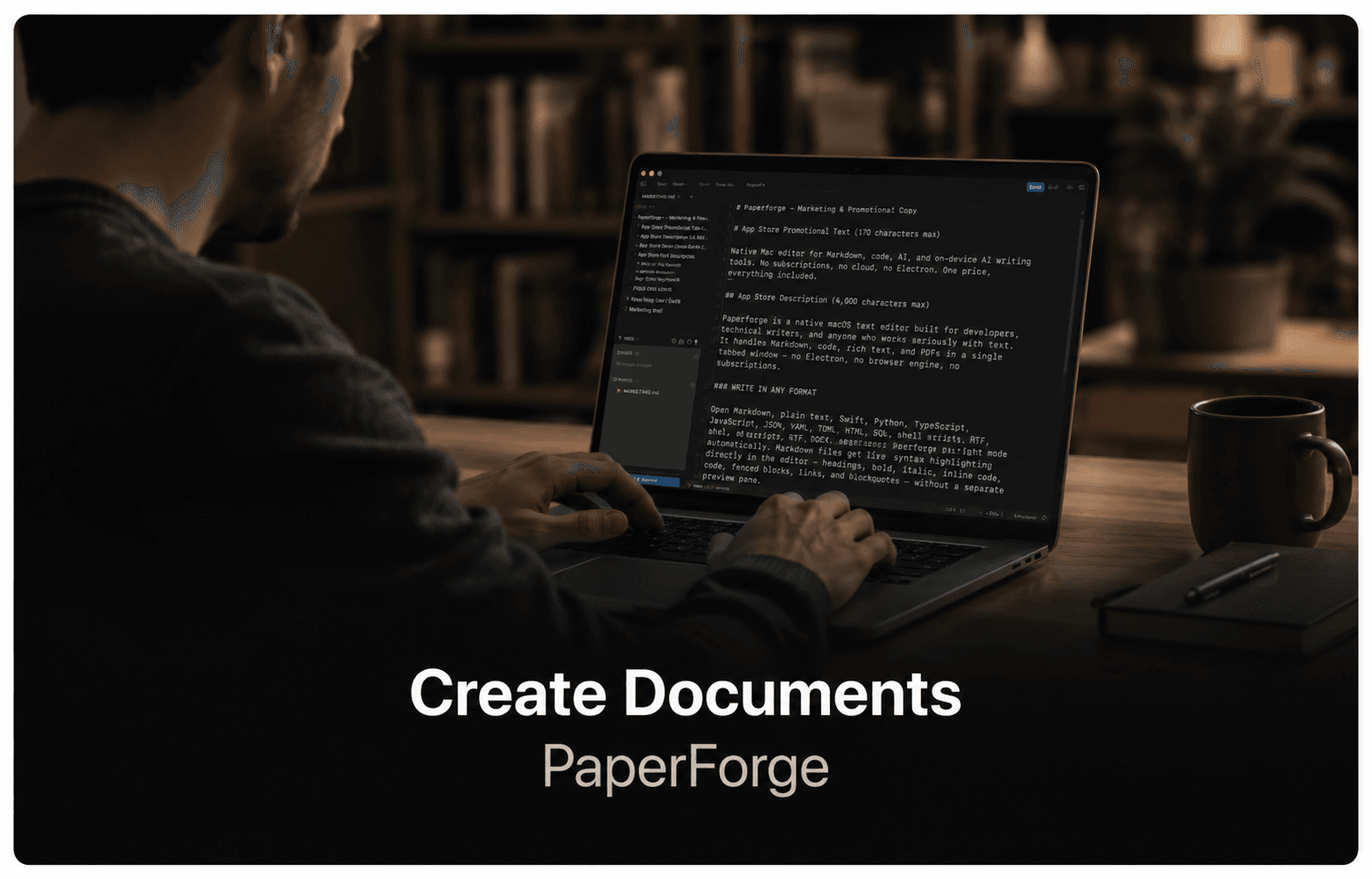
Documents
Paperforge gives you a clean, capable native word processor with rich text, styles, and .docx compatibility.
Learn more →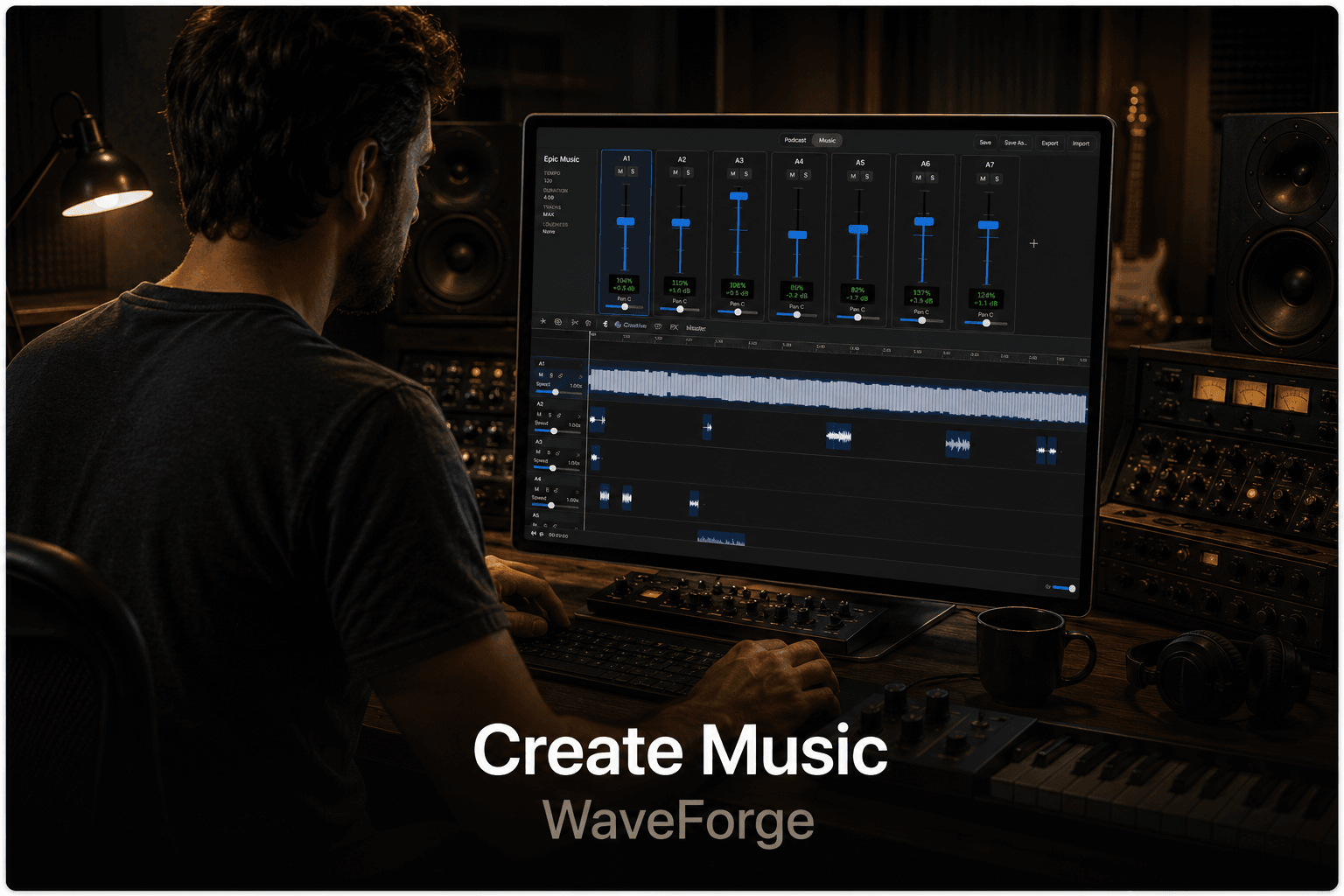

Audio & Podcast
Waveforge helps you record podcasts and produce music — bringing clarity and control to every track.
Coming soon
Native workflows
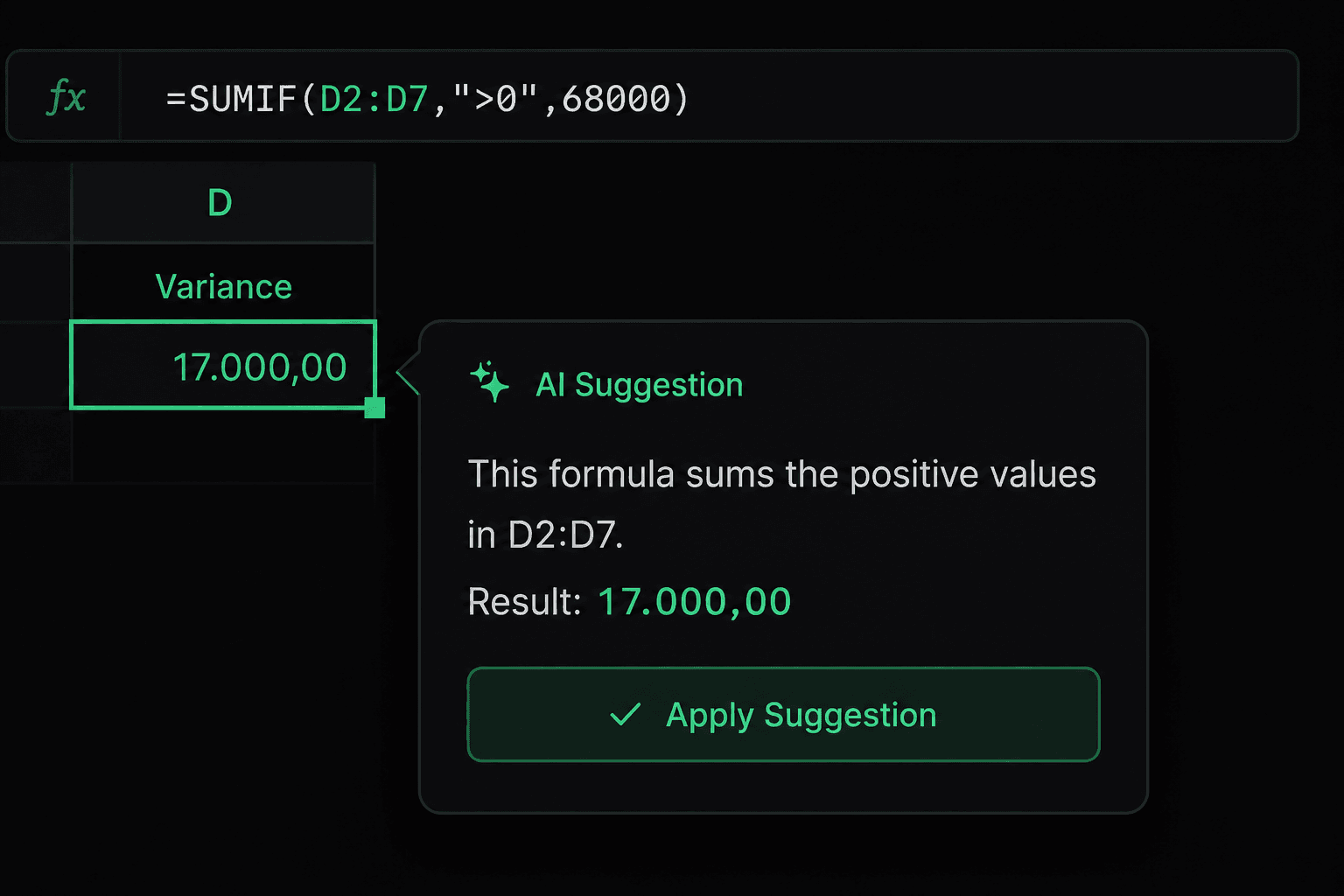
Spreadsheets
100+ formulas, charts, pivot tables, conditional formatting, data validation, and on-device formula assistance in a native spreadsheet built for local work.
Learn more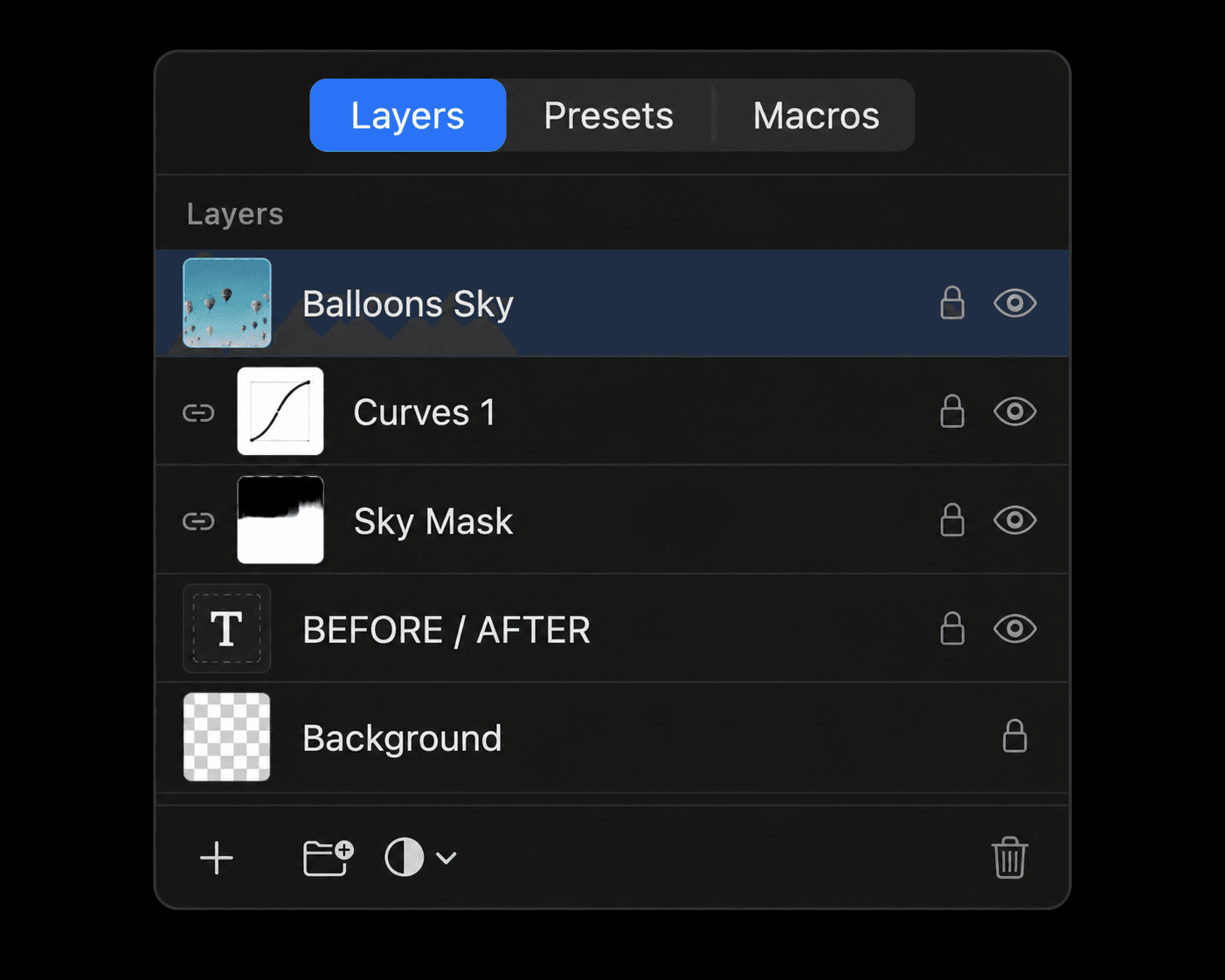
Photo Editing
Professional layers, RAW development, non-destructive adjustments, retouching tools, and on-device background removal and upscaling.
Learn more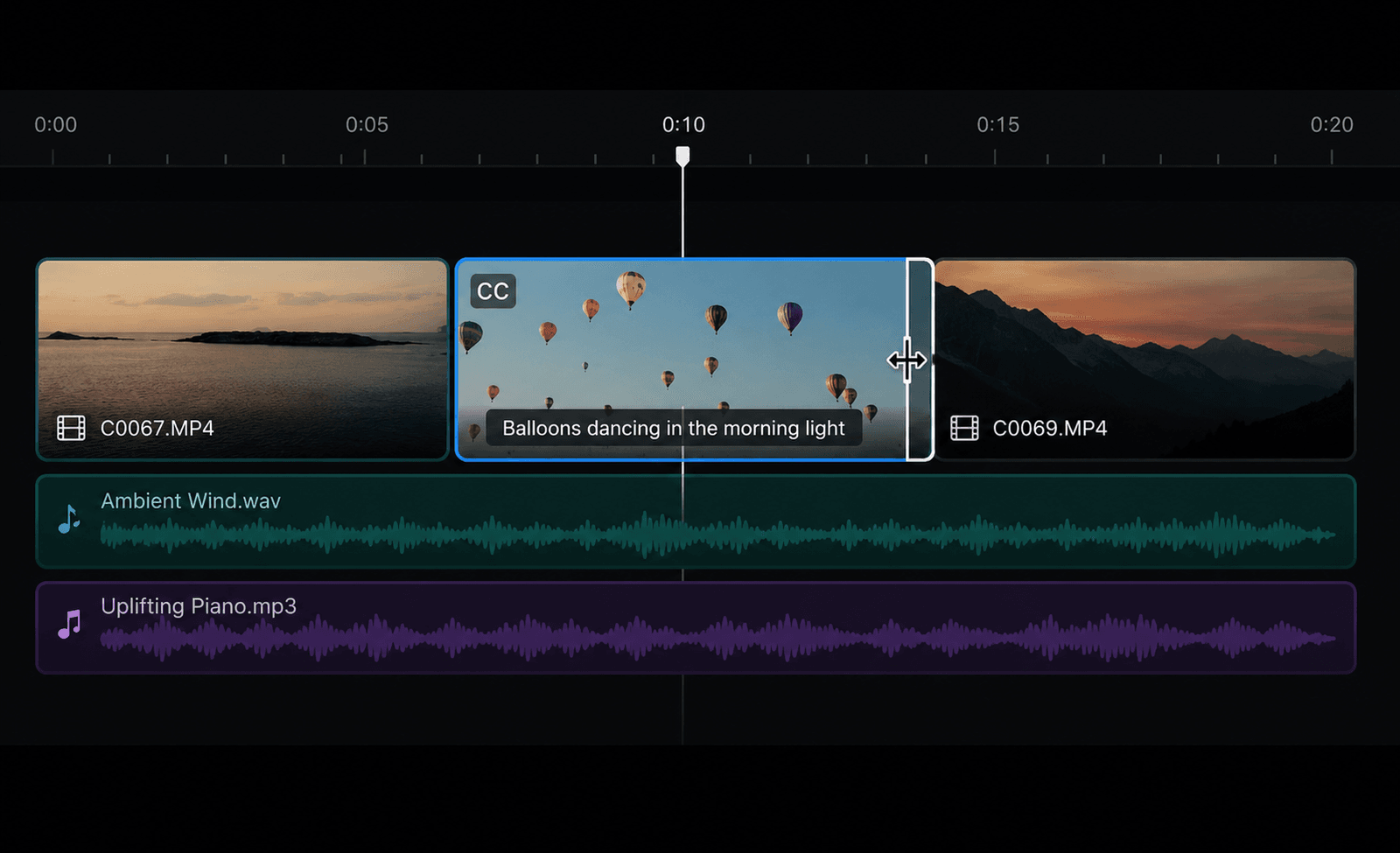
Video Toolkit
A native AVFoundation and VideoToolbox pipeline for everyday video work: trim, merge, convert, captions, background removal, LUTs, and more.
Learn more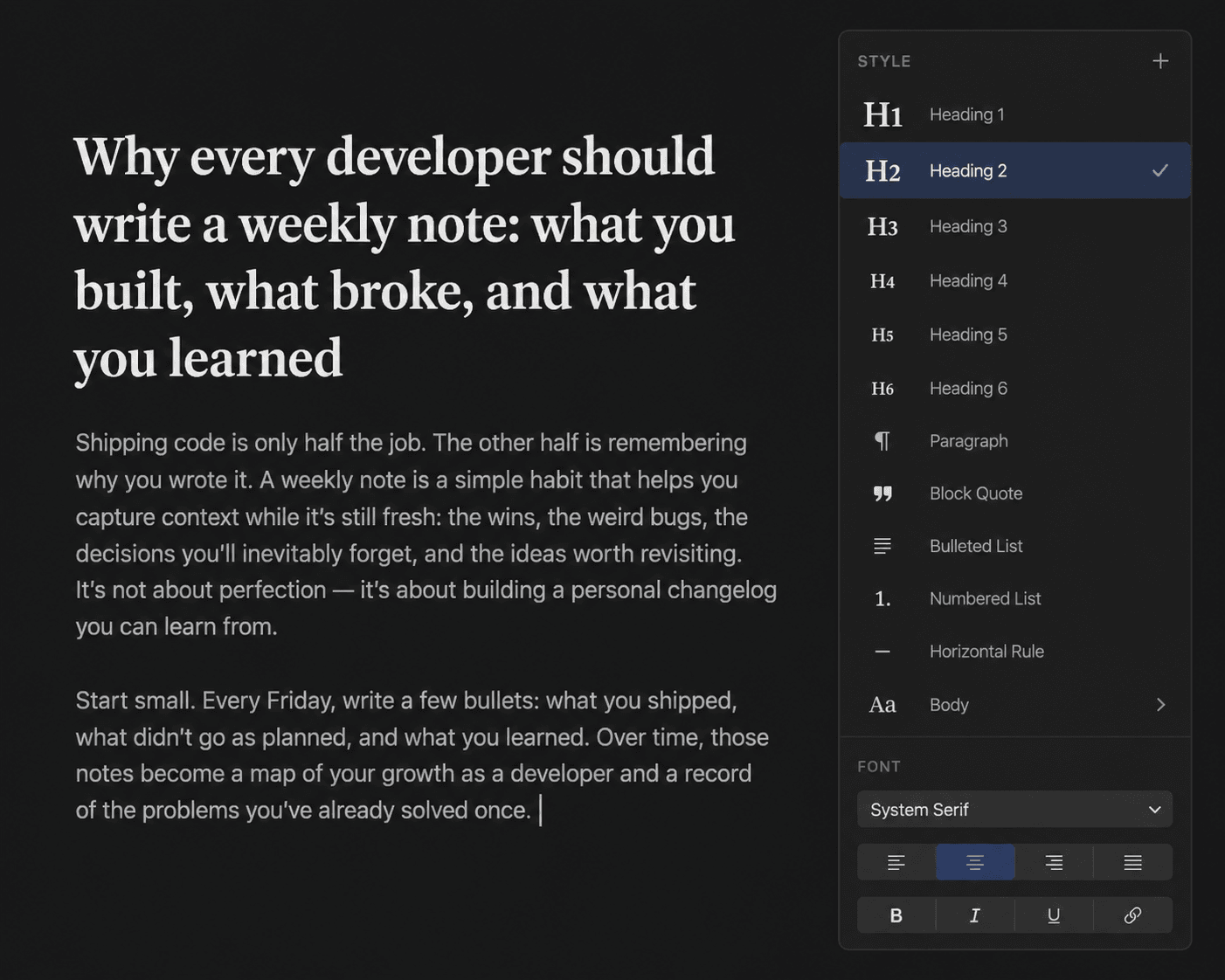
Documents
Rich text editing, paragraph styles, page layout, and .docx compatibility come together in a focused document workflow built for macOS.
Learn more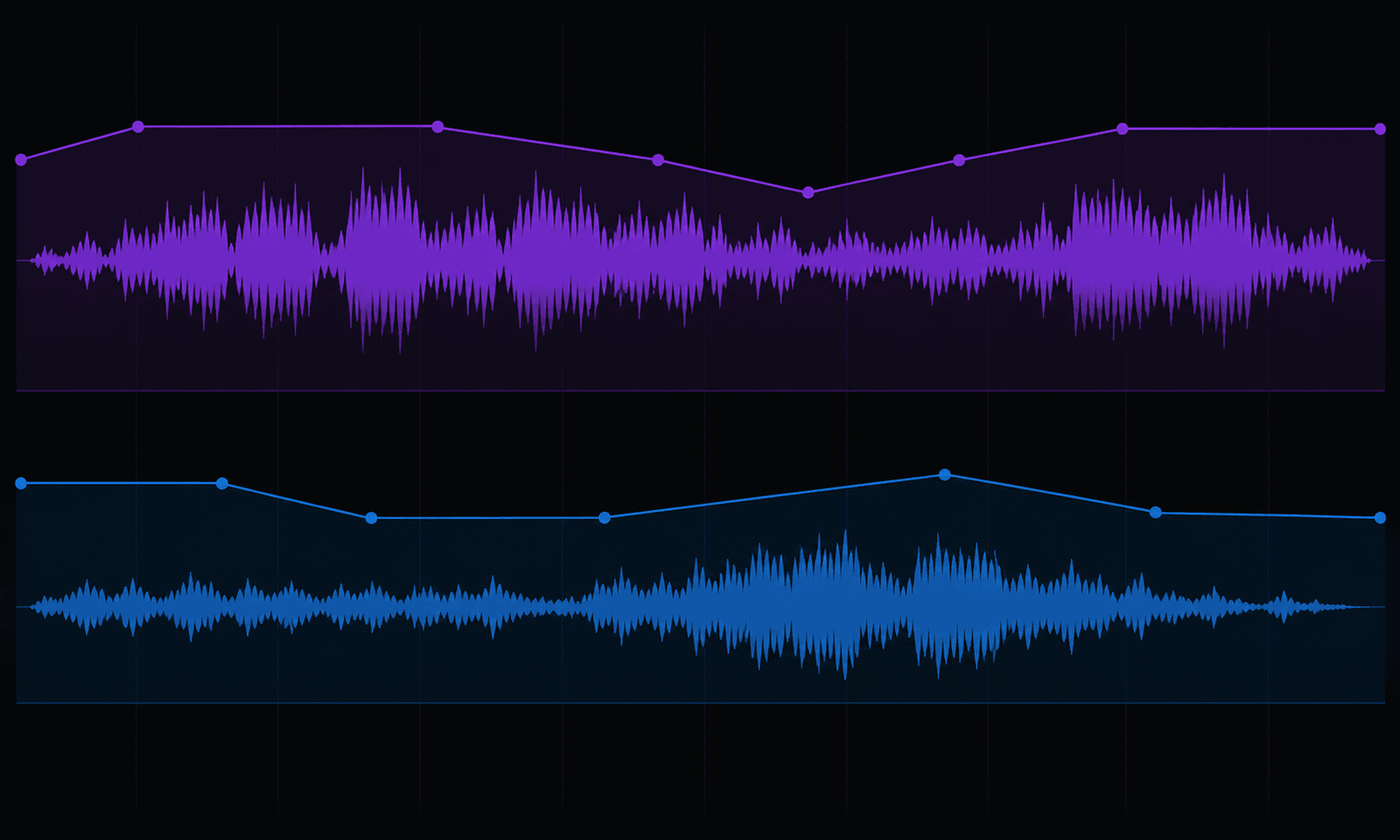
Audio & Podcast
A modern native audio workspace for podcasters and musicians, designed around Apple audio technologies and offline production.
Coming soon
Availability
The bundle download is temporarily unavailable while App Store approval is being resolved.
The suite page remains here so you can explore the apps and the native macOS workflows behind them.
Why build it?
Forge Suite is built by a single indie developer who believes professional tools should feel fast, private, and native on the Mac. No investors. No growth targets. Just software built to last.
Feature 1
Five native apps — Sheetforge, Paperforge, Pictureforge, Filmforge, and Waveforge, all in one bundle.
Feature 2
Entirely on-device — Every Smart feature runs locally using Apple Vision, Core ML, and Foundation Models. Nothing is sent to a server.
Feature 3
No account required — No sign-in, no email, no profile.
Feature 4
Built for Apple Silicon — Hardware-accelerated rendering, encoding, and AI inference on every supported Mac.
Feature 5
Zero telemetry — No analytics, no crash reporting to third parties, no tracking frameworks of any kind.
Feature 6
Open file formats — Every app exports to standard formats: .xlsx, .docx, JPEG, PNG, MP4, and more.
No Electron. No web wrappers.
No cloud. No accounts.
Just Swift — the way macOS apps should be.
The practical bits before you explore the suite.
Forge Suite includes Sheetforge for spreadsheets, Paperforge for documents, Pictureforge for photos, Filmforge for video, and Waveforge for audio and podcast production.
The individual Forge apps are shown here as part of the suite vision. The bundle download is temporarily unavailable while App Store approval is being resolved.
Yes. Forge Suite is designed for local-first Mac workflows. Editing, exporting, and Smart features run on-device without cloud processing.
Your data stays on your Mac. Forge Suite has no account system, no telemetry, and no tracking frameworks.
¹ Smart features in Forge Suite require a Mac with Apple Silicon. Smart features in Sheetforge, Pictureforge, and Filmforge use Apple Vision, Core ML, and Foundation Models and run entirely on-device.